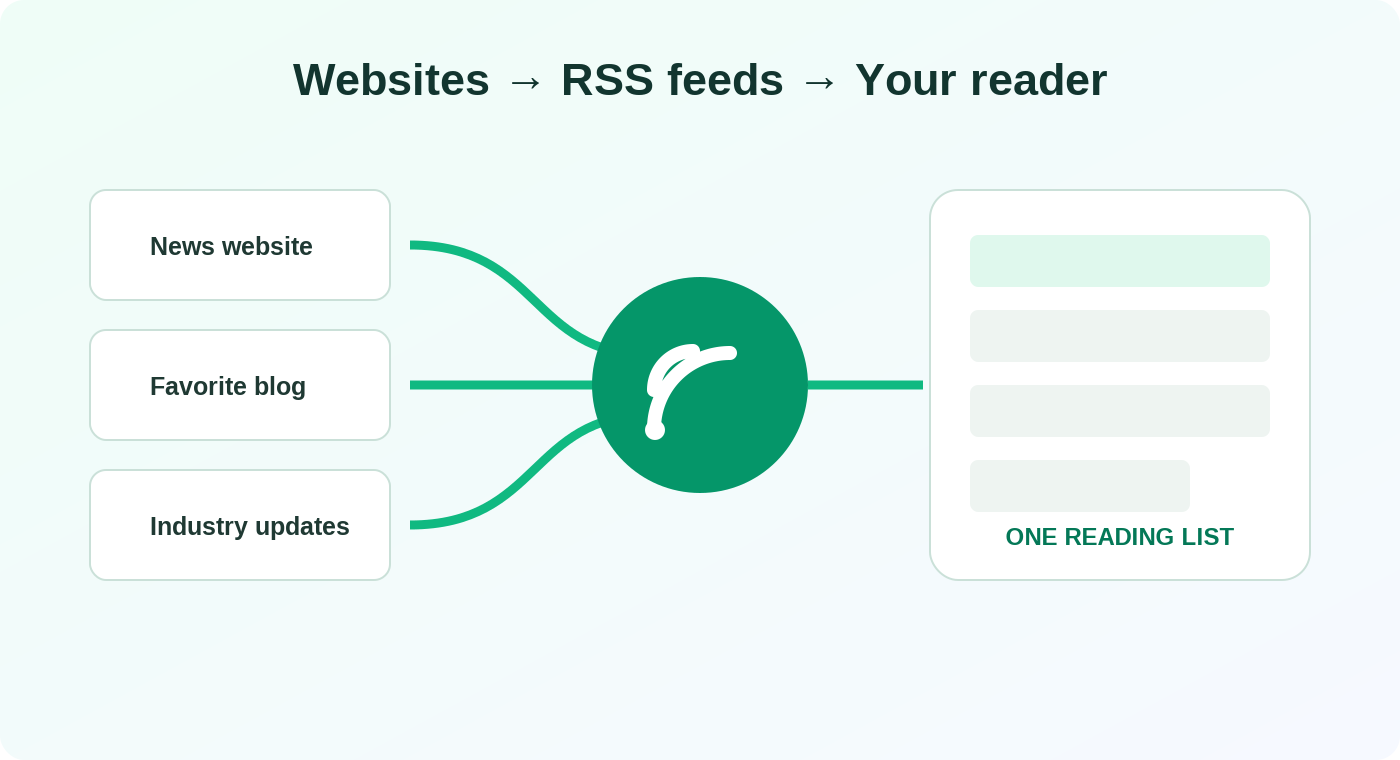
Instead of opening every news site or blog individually, an RSS reader collects their updates for you. Unlike an algorithmic social feed, it lets you follow sources you deliberately choose, usually in chronological order.
RSS commonly refers to “Really Simple Syndication.” It is a format websites use to publish machine-readable titles, links, summaries, and dates for their latest content.
How an RSS reader works
After you subscribe to an RSS or Atom feed, the reader checks it periodically. New entries appear in an inbox-like list. Depending on the publisher and reader, you may read the full article inside the app or open the original website.
Benefits of using an RSS reader
RSS saves time by replacing repeated site visits, keeps track of read and unread items, and organizes sources with folders or tags. Because you select the feeds, it is easier to see updates without depending on a social platform’s ranking algorithm.
Types of RSS reader
Cloud readers work in browsers and on phones, native apps run directly on a device, and self-hosted readers live on your own server. Consider cloud services for cross-device sync, native apps for close platform integration, or self-hosting when control over data is the priority.
How to get started
Choose a reader, find a site’s RSS URL, and paste it into a field labeled Add, Subscribe, or Follow. Some readers can find feeds when you search for a site name or homepage URL. Organize subscriptions into folders and keep only sources you can realistically follow.
What if a site has no RSS?
A feed can sometimes exist even when no RSS icon is visible. If the site truly has no feed, Craft Feed can turn a consistently structured article listing page into an RSS URL for your reader.
Tips for a sustainable reading habit
- Begin with five to ten useful sites
- Create folders for work, technology, or hobbies
- Periodically remove feeds you no longer read
- Generate a feed with Craft Feed when no RSS URL exists