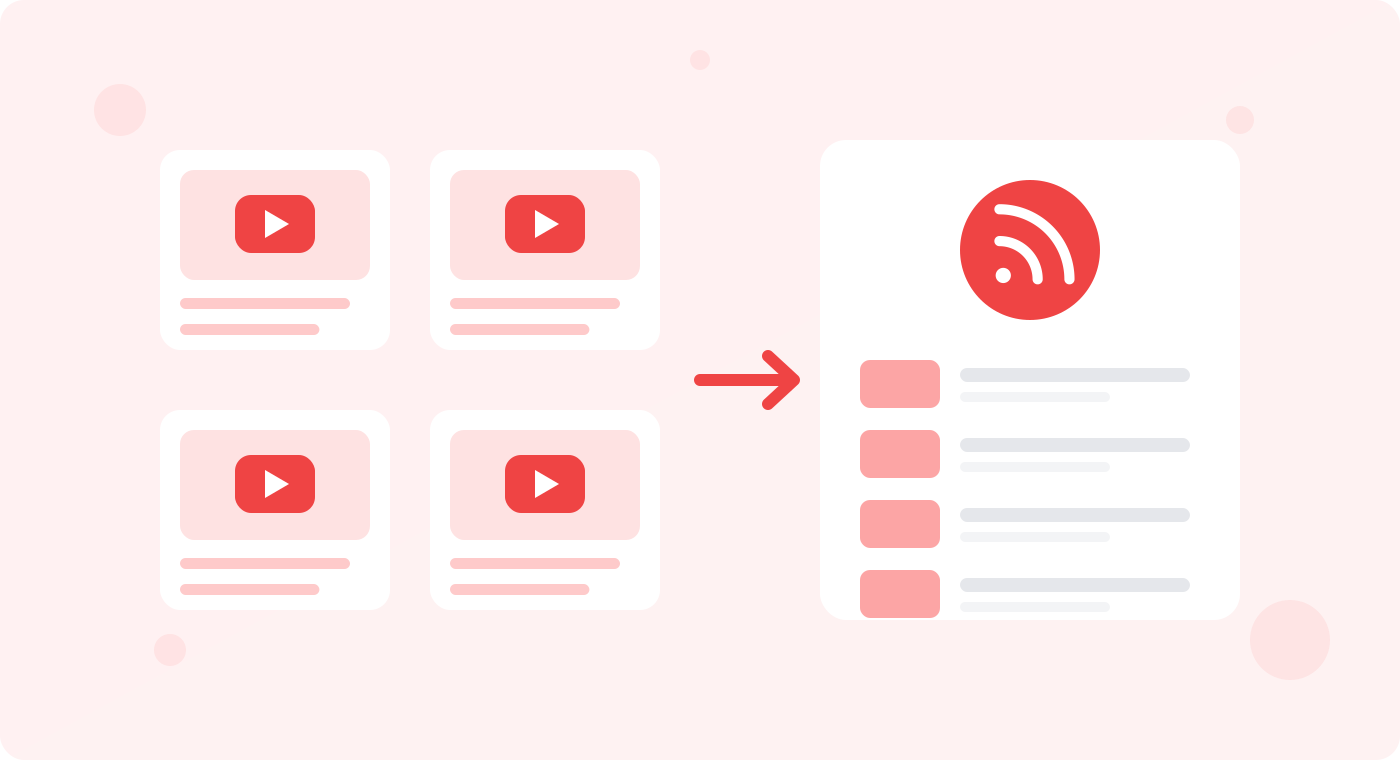
Every YouTube channel has an RSS feed, even though YouTube no longer advertises it. Subscribing through RSS means new uploads land in your reader next to your news and blogs, without relying on the YouTube home page or notifications.
This guide shows the YouTube RSS feed URL format, how to find a channel ID, and how to get feeds for playlists too.
The YouTube RSS feed URL format
A channel feed uses this address, where CHANNEL_ID is the channel's ID (it starts with UC):
https://www.youtube.com/feeds/videos.xml?channel_id=CHANNEL_IDOpen it in a browser and you will see XML listing the channel's most recent uploads, each with the title, link, publish date, and thumbnail.
How to find a YouTube channel ID
Most channels now use a handle such as @example in their URL, so the ID is not visible at first. Use one of these methods:
- From the channel page: open the channel, select the description or "more" link under the channel name, choose Share channel, then Copy channel ID.
- From the page source: open the channel page, view the source (Ctrl+U), and search for
channelIdorexternalId. The value starting withUCis the ID. - From your reader: many RSS readers accept a channel URL directly and convert it to the feed for you. Paste the channel URL and see whether a feed is detected.
RSS feeds for YouTube playlists
Playlists have feeds too. Copy the value after list= in the playlist URL and use:
https://www.youtube.com/feeds/videos.xml?playlist_id=PLAYLIST_IDThis is handy when a channel uploads many kinds of videos but you only care about one series.
Add the YouTube feed to your RSS reader
Paste the feed URL into your reader's "add feed" box. Put video feeds in their own folder so they do not crowd out articles. If you are still choosing a reader, see our RSS reader comparison.
Limitations to know
- The feed only contains the latest uploads (around 15 videos), not the full channel history.
- Live streams, premieres, and Shorts may appear alongside regular videos, and you cannot filter them in the URL.
- YouTube offers no official feed for search results, community posts, or your home recommendations.
If you need a feed for a page that YouTube does not cover, or for any other site without RSS, Craft Feed can create one from the page itself. Learn how in our RSS feed generator guide.